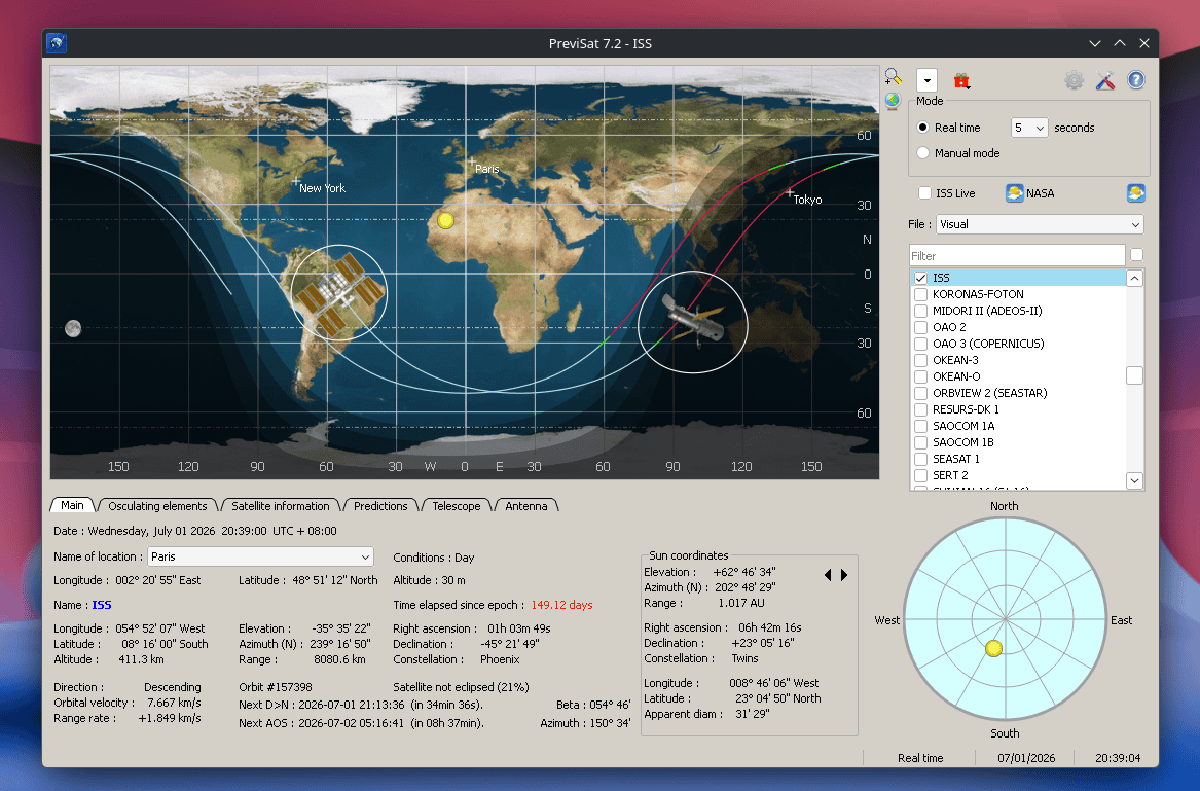

This article is a guide on how to run the latest PreviSat 7.x software on Linux-based operating systems.
PreviSat’s developer stopped providing official Linux binaries after version 7.01. The final official binary for Linux is available in PreviSat 6.1.5.22.
Fortunately, starting with PreviSat 7.01, the developer began providing a portable version of the software.
Despite being designed as portable Windows software, it runs seamlessly on Linux using Wine3, a popular Windows compatibility layer.
Here are the steps to set it up:
1. Install Wine.#
CachyOS (Arch-based distro):
sudo pacman -Syu wineFedora:
sudo dnf install wineDebian:
sudo apt install wine2. Download and extract PreviSat portable.#
The download link for PreviSat can be found on the PreviSat website, which will direct you to their SourceForge page.
If you are unfamiliar with SourceForge, navigate to the Files tab to download the latest release. At the time of writing, the latest version is PreviSat 7.2.1.3.
Download the portable version for Windows.
Once downloaded, extract the archive file (previsat-7.2.1.3-exe-portable-win64.zip).
3. Create a launcher script.#
To run the portable application easily, create a launcher script inside the same directory as the PreviSat.exe file. Name it launcher-script.sh, paste the code below into it.
#!/bin/sh
nohup wine ./PreviSat.exe > /dev/null 2>&1 &
Make it executable by running chmod +x launcher-script.sh in your terminal.
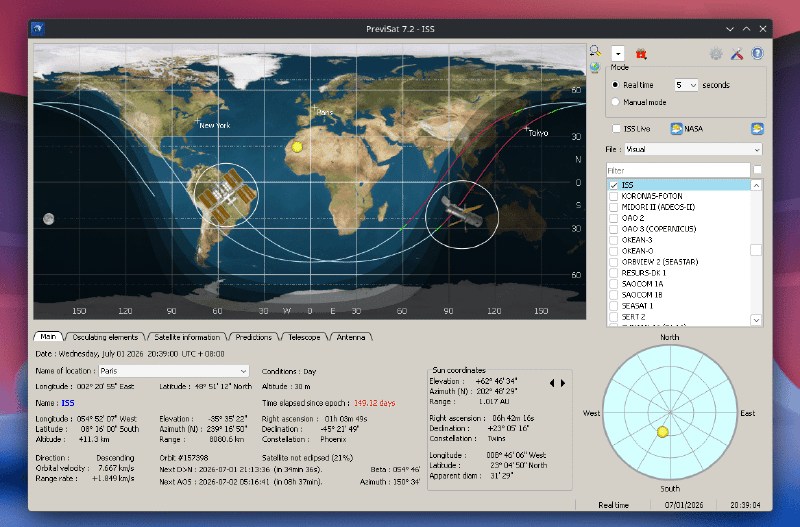
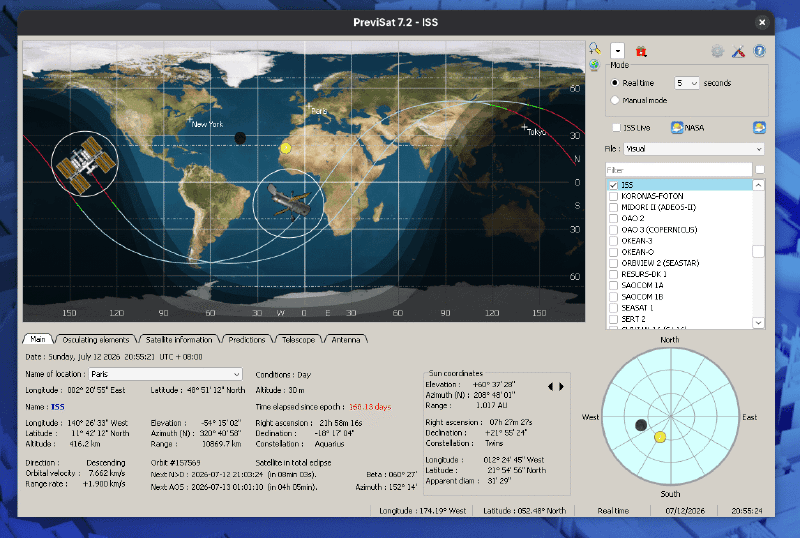
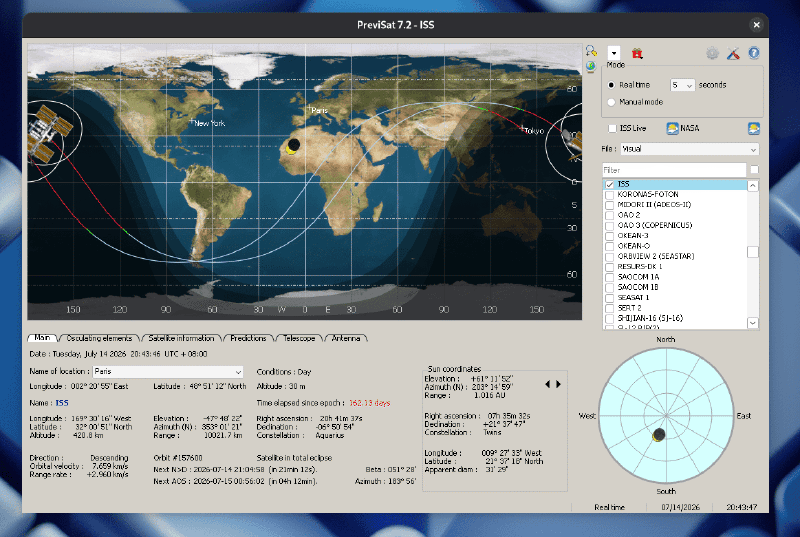
4. Run PreviSat using the launcher script.#
5. A note on upgrading PreviSat.#
When upgrading to a newer version, be careful when replacing your files.
Overwriting the data directory, specifically the config, coordinates, and preferences subdirectories will reset your personalized settings to their default values.
To preserve your configurations, do not overwrite these specific directories with the ones from the new archive file.
CachyOS
Debian
Fedora
PreviSat 7.0 download: SourceForge ↩︎ ↩︎
PreviSat 6.1.5.2 download: SourceForge ↩︎